
To create your Olo account:
Start a ticket with the Restaurants IT Help Desk with your full name + email address. Someone on our team will reach out with confirmation that your Olo account has been created.
To reset your Olo account:
- Go to the Olo Dashboard at https://my.olo.com
- Click “Forgot Password?”
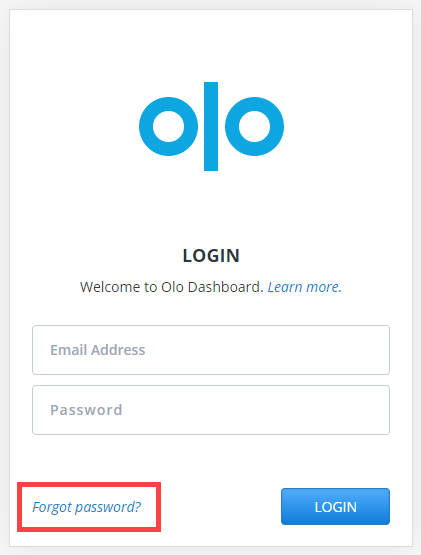
3. Enter your email address on the prompted window and click “Submit”. Make sure to use the email address associated with your Olo Dashboard Account, otherwise you will receive an email asking you to enter a different email address.
4. After entering your email address, you will receive an email from Olo that reads: “Click here to reset your password”. Click this link and enter your new password! If you do not receive an e-mail, please submit a ticket request.
Remember: Passwords are CASE SENSITIVE and must be at least 8 characters, and must contain both upper and lower case letters.
*Tip: You may reset your password this way at any time.